
Branches
Branches let you use conditional logic to make your feature perform different actions or steps
You will use branches if you want
different actions depending on whether an item is found or not found
different actions depending on the user's choice in an interface
a different value depending on a condition
Branch setup
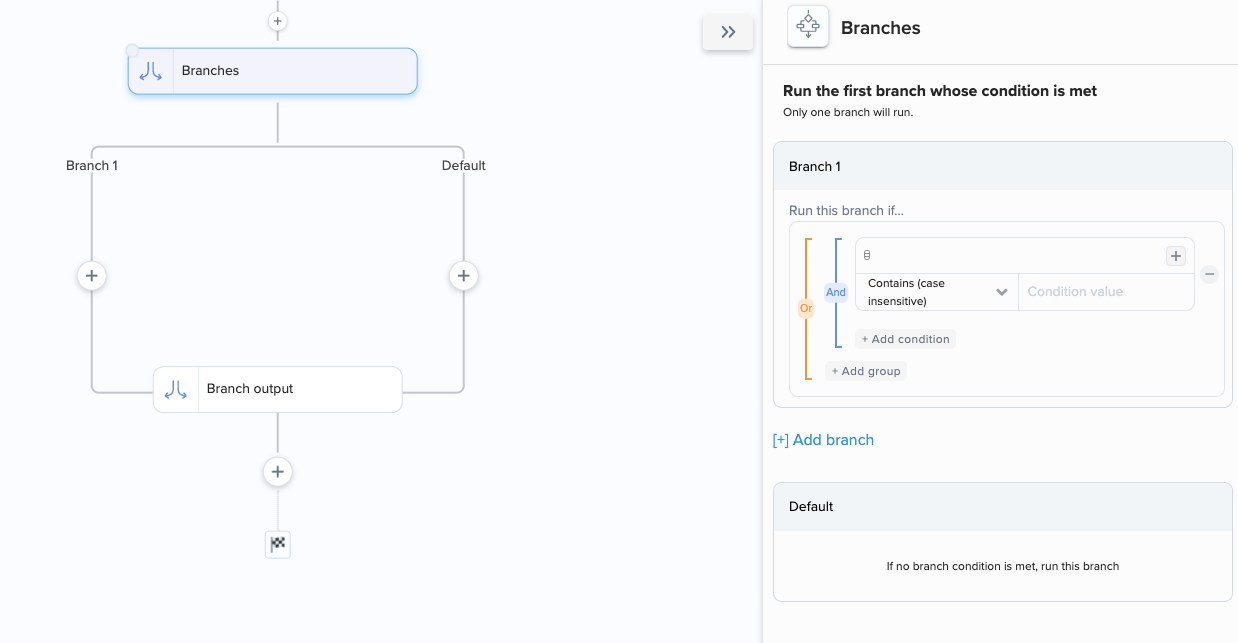
When you add a branching step, you'll see two different branches that you can add steps to. Each branch is a possible outcome for your flow.
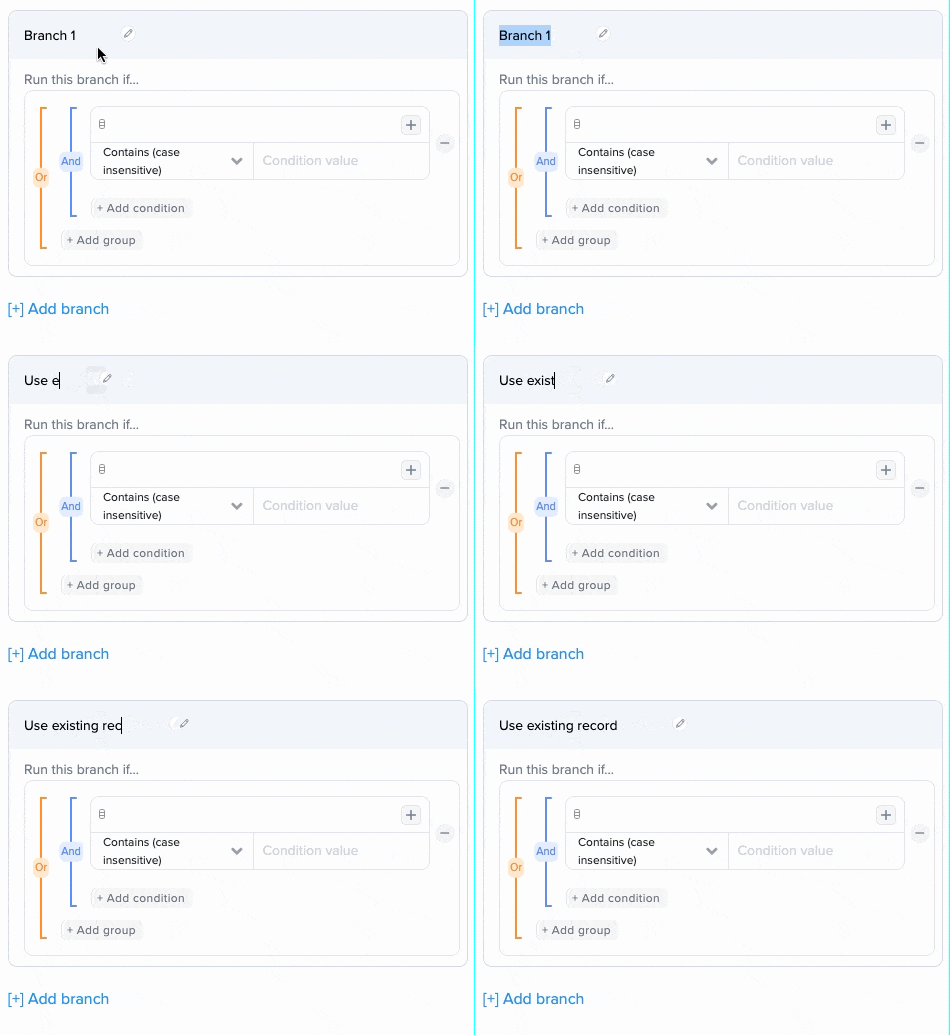
Name your branches
This will help you decide what condition and steps to give your branches:
Add conditions
Define the logical conditions for running each numbered branch:
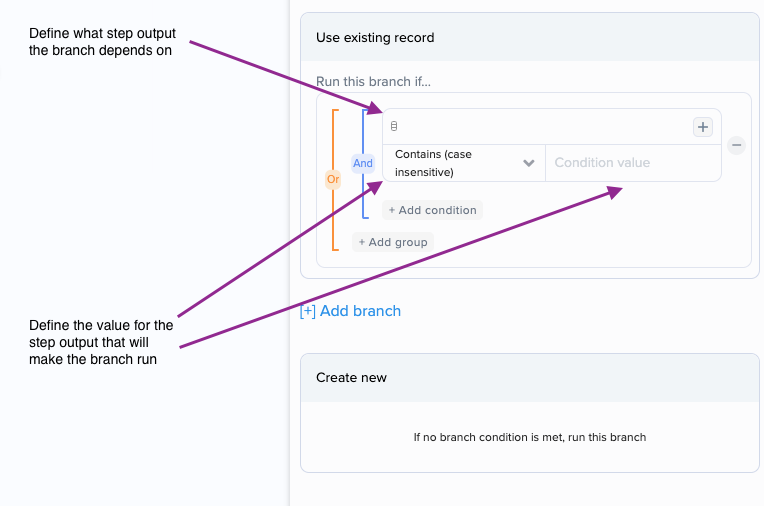
You can use "and" to create more specific conditions and "or" to define less specific conditions.
Branch output parameters
Branch output parameters are variables that take on different values depending on which branch runs.
They are necessary if you want to use data from branch steps after the branching ends.
They are also useful if you want your feature to use value X in case of X, and value Y in case of Y.
To set up output parameters, add a parameter and enter or map data into the fields for the value of the parameter.

Test the branch output step and then use the parameter value in the rest of your workflow.
Last updated