
App connections
Overview
In Ply, app connections allow features to retrieve information from or send data to third-party applications. Technically, connections are used to make API calls, which get or send data. Creating a connection typically involves logging in to the third-party app or entering an API key to authorize access.
Creating a connection
When adding a feature to your app or adding an action from your app to a workflow, you'll be prompted to select an app connection. If you haven't connected yet, you can do so at this point:
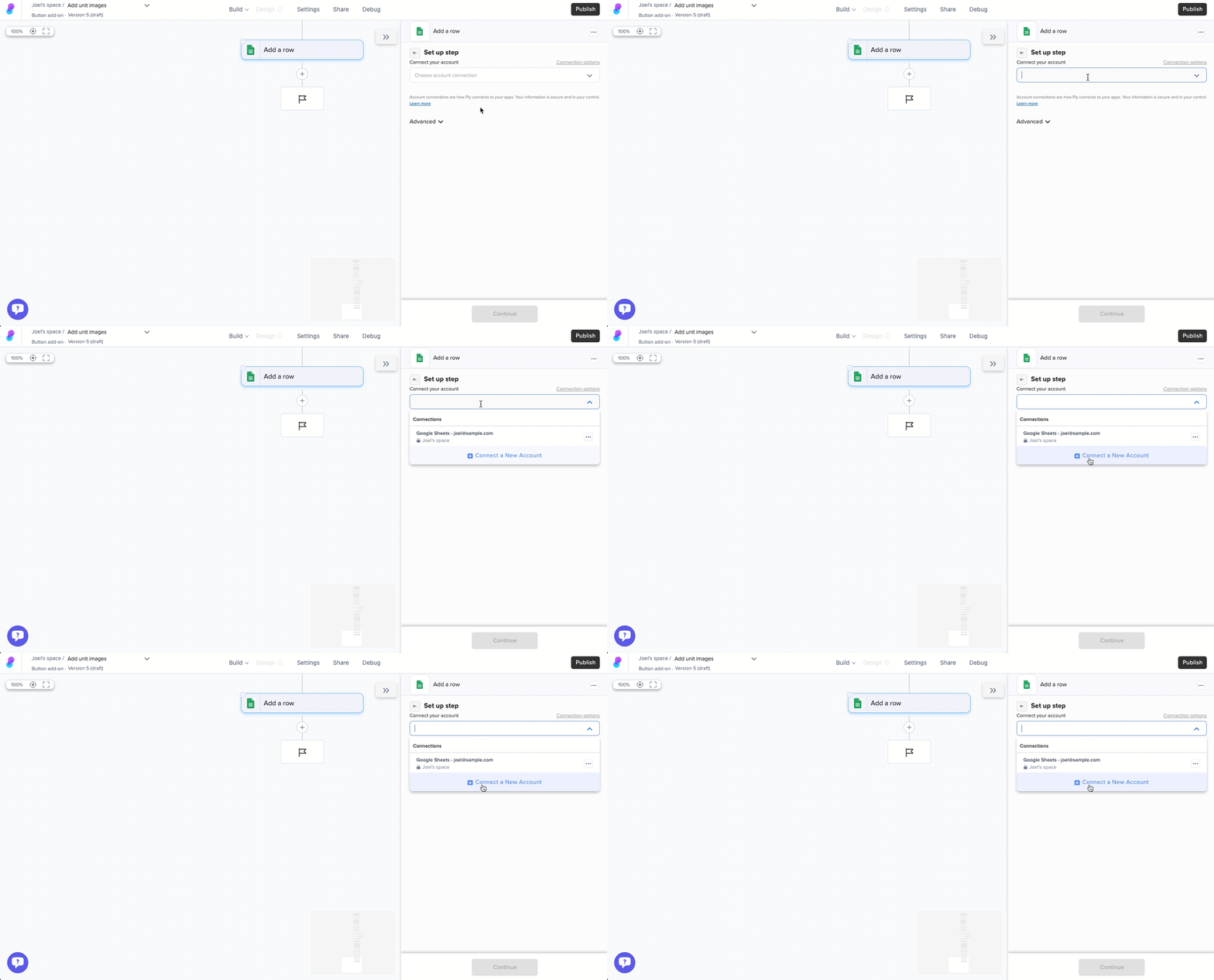
Every app's connection method is slightly different, possible involving an API key or OAuth login.
Managing, editing, and deleting connection
To manage an app connection, visit the Connection tab from the main webapp.
From here, you can test connections to ensure they still work.
You can also reconnect a connection, which may be useful if you want to grant more permissions or change the account used to perform accounts in your features.
Last updated