
Sharing team features
Sharing a feature with another user lets them use it. By default, they will use all of the app connections that the feature owner connected. Any changes to the feature will affect all users.
If you want to edit a feature collaboratively, you need to move the feature to a team space.
If you want users to connect their own app accounts, use per-user connections.
If you want to share with multiple users, consider using a user group.
How to share features
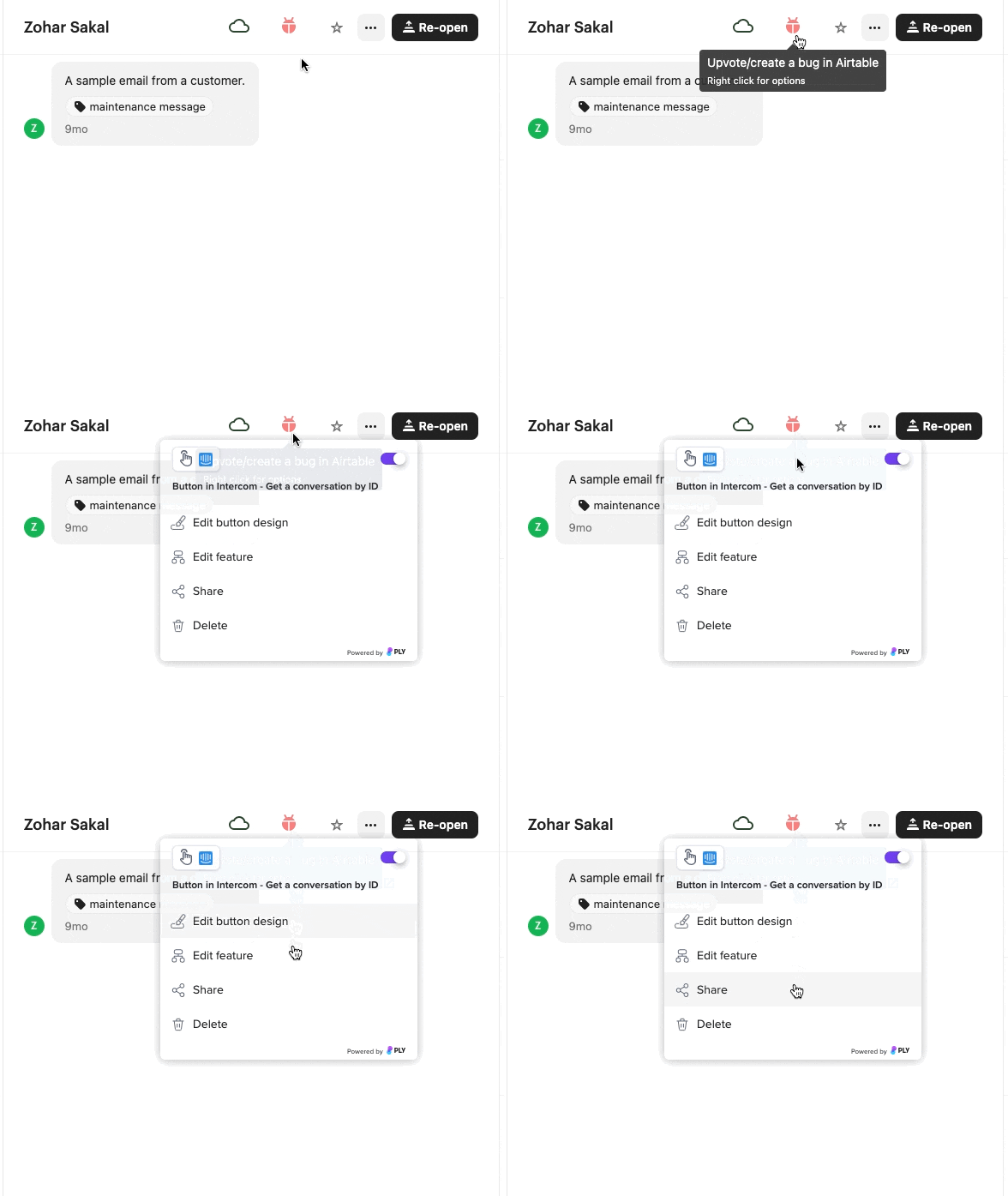
The easiest way to share an add-on is to right-click on its button and click share:
You can also share add-ons and tools from the webapp, https://app.ply.io/manage/placement/everything/features.
To share a feature with someone, they need to be in your workspace. If you enter an email address of a user who isn't in your workspace, they'll receive an invitation to join your workspace.
Last updated